
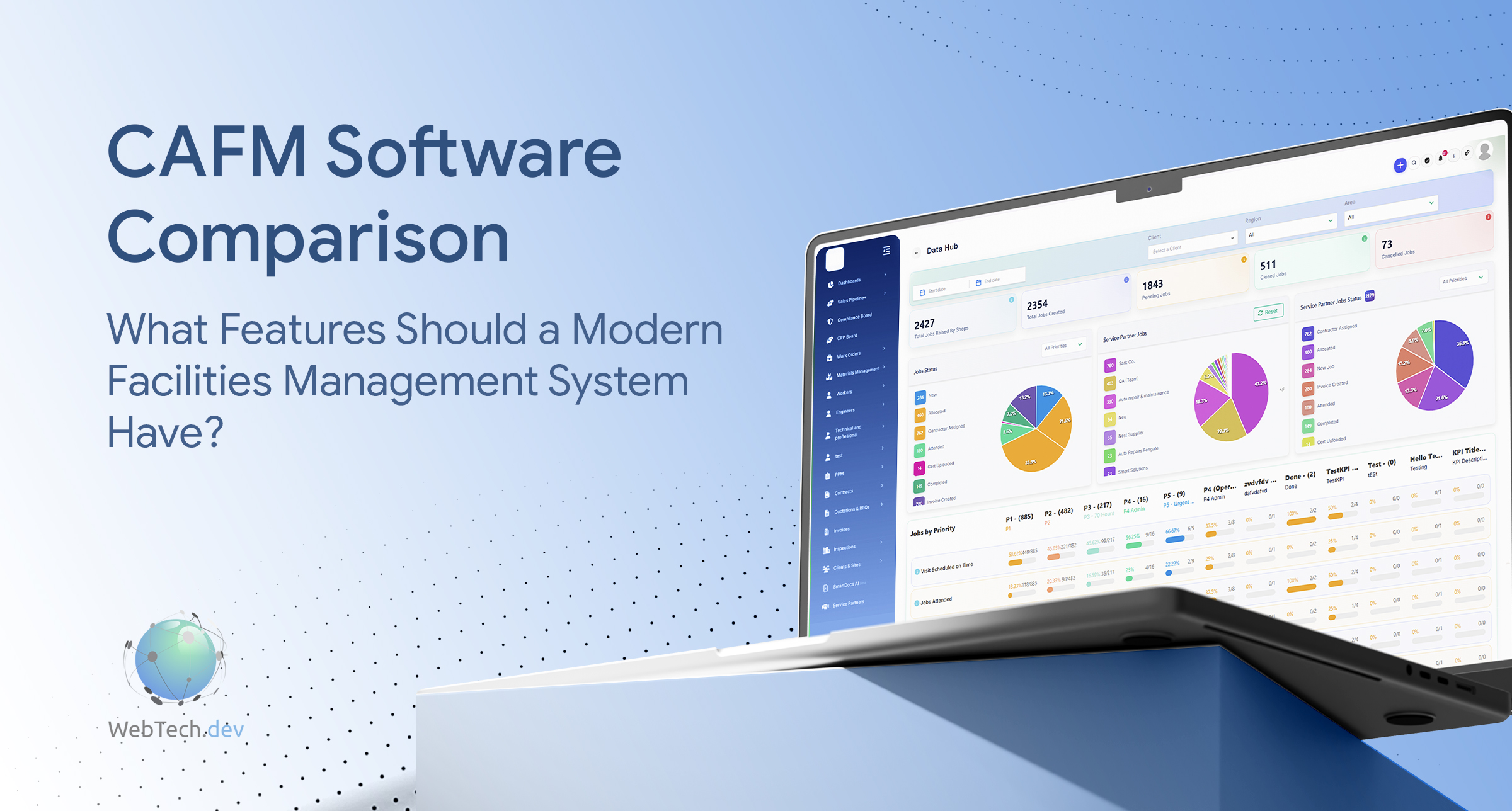

For many facilities management teams, the real problem is not a lack of software. It is that jobs, assets, compliance records and contractor updates are spread across too many disconnected tools.
A reactive job may be raised by email, assigned by phone, tracked in a spreadsheet and closed with evidence stored somewhere else entirely. That is where delays, missed updates and duplicated admin begin.
Modern CAFM software is designed to bring those processes together. But when comparing CAFM systems, which features actually matter?
What Is CAFM Software?
CAFM stands for Computer-Aided Facilities Management.
It is software used to manage facilities operations including reactive maintenance, Planned Preventative Maintenance (PPM), assets, contractors, compliance, job evidence and reporting.
Instead of relying on spreadsheets, inboxes and paper records, CAFM software creates one central operational record for office teams, engineers, suppliers and clients.
What Should You Compare in CAFM Software?
Reactive Maintenance
Reactive maintenance is one of the core functions of any CAFM system.
Jobs should be easy to log, prioritise, assign and track from initial request through to completion. Managers need clear visibility of what is open, overdue or waiting for action without relying on phone calls or manual spreadsheets.
Planned Preventative Maintenance
PPM software should do more than simply store maintenance dates.
A modern CAFM system should automatically generate recurring jobs, show upcoming and overdue maintenance, and link completed visits back to the relevant site or asset.
This helps facilities teams maintain stronger control over servicing and compliance requirements.
Asset Management
A useful asset register should connect each asset to its maintenance history.
Engineers and managers should be able to see previous jobs, servicing records, certificates and recurring faults against the same asset.
This makes it easier to understand performance and identify equipment that may require further attention.
Mobile Working
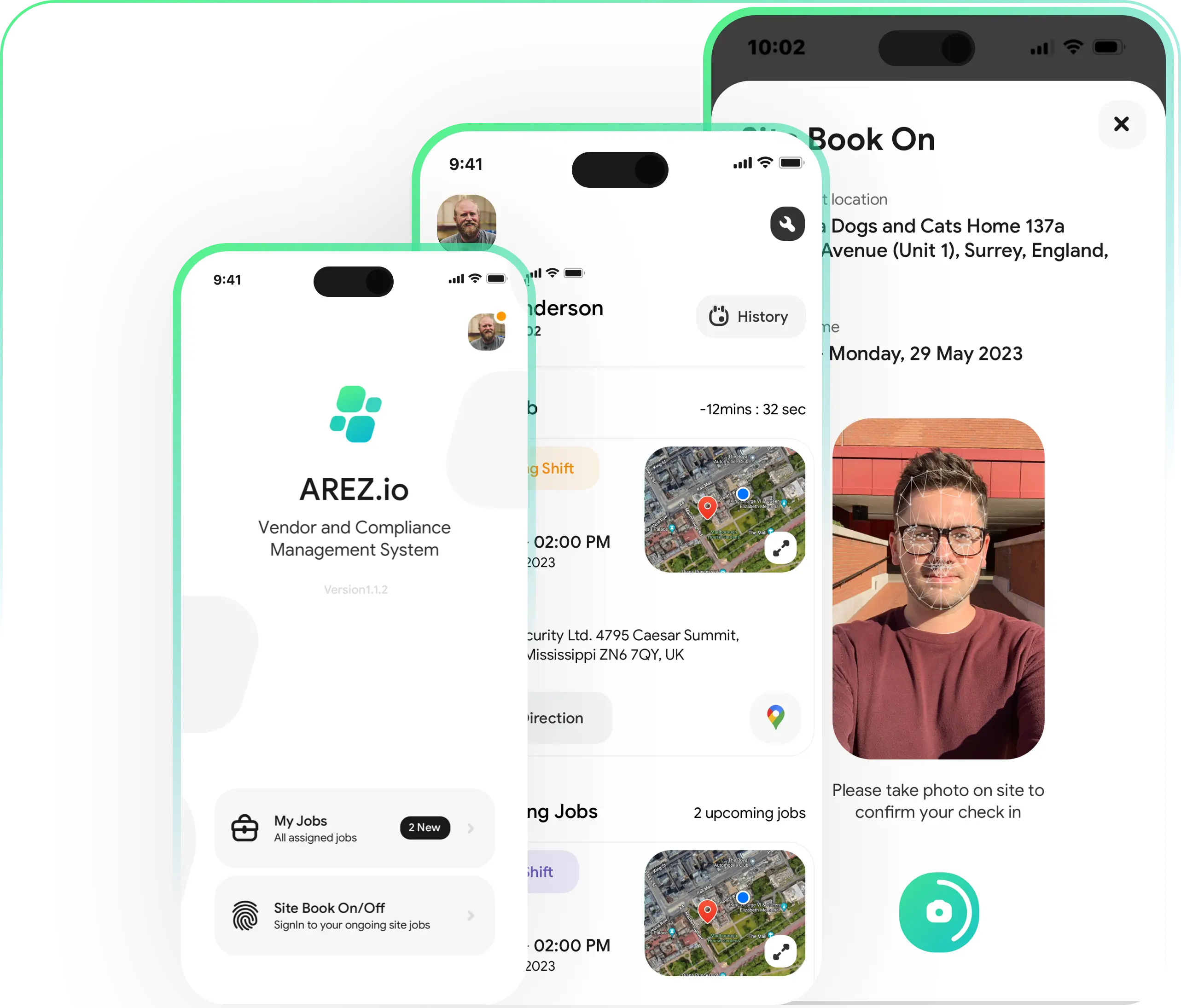
Engineers need a CAFM mobile app that works in the field, not just a system designed for office users.
They should be able to view assigned jobs, access site information, complete forms, upload photographs and record job evidence directly from their mobile device.
Offline capability is also important for engineers working in plant rooms, basements or locations with poor connectivity.
Contractor and Supplier Management
Facilities management often involves both internal engineers and external contractors.
A CAFM platform should allow suppliers to receive jobs, assign workers, provide updates and upload evidence directly into the system.
This reduces the need to manage subcontractors through separate emails, calls and spreadsheets.
Compliance and Audit Trails
Compliance information should be easy to find when it matters.
Certificates, RAMS, inspections, forms and other supporting documentation should be linked directly to the relevant job, site, supplier or asset.
A clear digital audit trail makes it easier to demonstrate what work was completed, when it happened and who carried it out.
Job Evidence
Photos, engineer notes, forms, timestamps and completion records provide evidence that work has actually been completed.
For FM contractors, this is particularly important because strong job evidence can reduce disputes, support client reporting and help ensure completed jobs are ready for invoicing.
Quotes and Invoicing
Operational and commercial workflows should connect.
Ideally, a job can move from initial request to quote, approval, remedial work and invoicing without teams manually entering the same information into multiple systems.
This reduces administration and can help completed work move towards invoicing faster.
Reporting and Dashboards
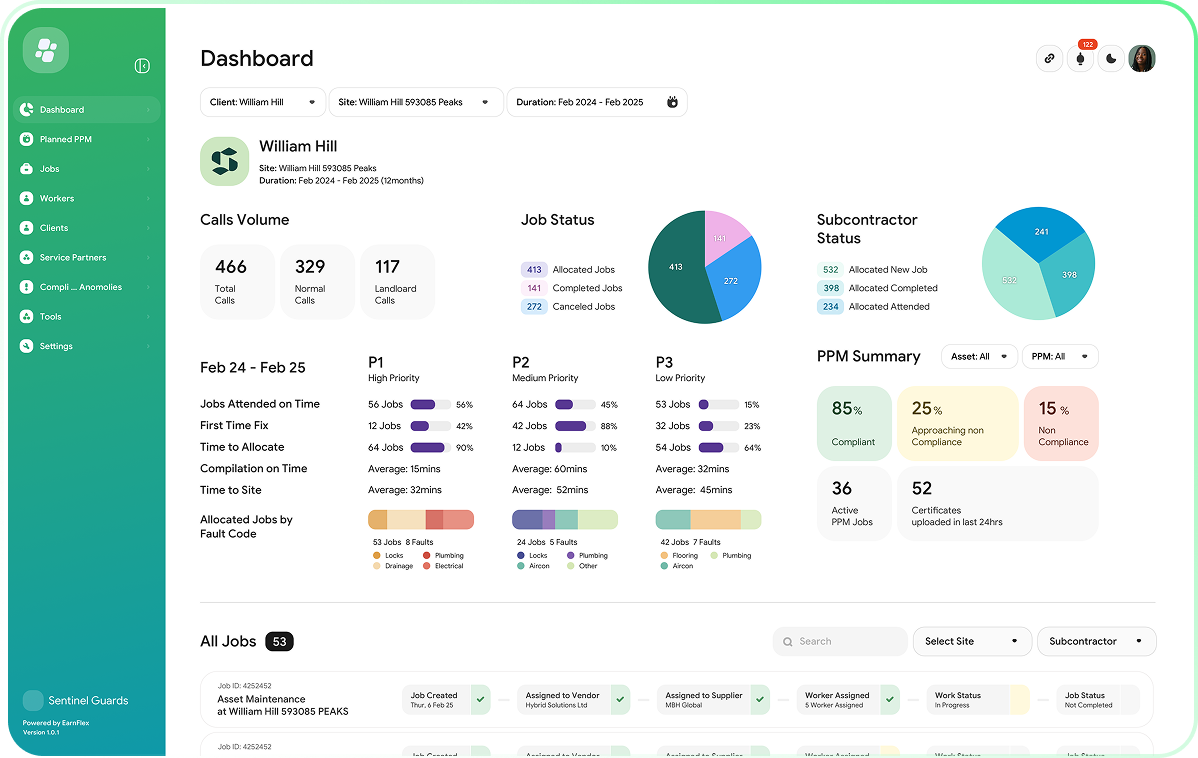
CAFM dashboards should help managers understand what requires attention.
Useful reporting can include open jobs, response times, PPM performance, contractor activity, compliance status and operational KPIs.
The important question is whether the reporting helps teams take action rather than simply presenting more data.
Traditional CAFM vs Modern CAFM
Older CAFM systems often focused heavily on storing records.
Modern platforms increasingly connect job management, assets, compliance, mobile working, contractors and commercial processes into one workflow.
The difference is less about having more individual features and more about how well those features work together.
For example, a modern CAFM system should allow an engineer's job evidence to update the same job record used by operations, compliance and finance teams.
That connected workflow can remove significant amounts of duplicate administration.
How Is AI Changing CAFM Software?
AI is becoming an increasingly important part of modern facilities management software.
Rather than replacing facilities managers or engineers, AI can help reduce repetitive administrative work.
It can assist with job triage, summarise job histories, review documentation and highlight operational exceptions that may otherwise require manual investigation.
For facilities teams managing thousands of jobs, even small improvements in how quickly information can be reviewed can make a significant difference.
How Does Arez Compare?
Arez is designed as a modern CAFM and field service management platform that connects operational processes rather than treating them as separate systems.
With FieldIQ, teams can manage reactive jobs, PPM schedules, assets, sites, suppliers, compliance records, job evidence, quotes and invoicing from one platform.
External suppliers can receive and manage assigned work, while engineers can update jobs and capture evidence from the field.
Arez also uses AI to help reduce administrative workload, review job information and provide greater visibility across operations.
For organisations comparing platforms, you can explore CAFM software for UK facilities management to see how Arez connects jobs, assets, maintenance, contractors and compliance.
What Else Should You Consider?
Features are only part of the decision.
A CAFM system also needs to be easy for engineers and office teams to adopt, practical to use on mobile devices and capable of scaling as your organisation grows.
You should also consider implementation, data migration, integrations, user permissions and ongoing support.
A powerful system delivers little value if your team finds it difficult to use.
CAFM Software Comparison Checklist
When comparing CAFM providers, ask whether the system can:
- Manage reactive and planned maintenance together
- Link assets to complete maintenance histories
- Support engineers through a mobile app
- Manage suppliers and subcontractors
- Capture job evidence and compliance records
- Connect quotes, approvals and invoicing
- Manage multiple sites and customers
- Provide role-based permissions
- Integrate with existing business software
- Scale as job volumes and teams grow
The goal is not to find the platform with the longest feature list. It is to find the one that best supports the way your organisation actually operates.
Final Thoughts
There is no single CAFM system that is right for every organisation.
A national FM contractor managing thousands of jobs has very different requirements from a small facilities team responsible for a handful of sites.
The best approach is to map out how jobs, assets, contractors, compliance and commercial processes currently move through your business, then assess how well each CAFM platform connects those workflows.
For organisations looking to reduce disconnected processes and improve operational visibility, a modern CAFM platform such as Arez can bring maintenance, compliance, assets, contractors and reporting together in one place.
FAQs
What is CAFM software?
CAFM software is used to manage maintenance, assets, compliance, contractors and facilities operations from one central platform.
What features should a CAFM system have?
Key features include reactive maintenance, PPM scheduling, asset management, mobile working, contractor management, compliance records, reporting and commercial workflows.
Can CAFM software manage planned and reactive maintenance?
Yes. Modern CAFM systems typically manage both planned preventative maintenance and reactive jobs within the same platform.
What should I look for when comparing CAFM software?
Look beyond feature lists. Consider mobile usability, integrations, reporting, implementation, scalability, data migration, permissions and ongoing support.
Is CAFM software suitable for growing FM companies?
Yes. CAFM software becomes increasingly valuable as job volumes, sites, engineers, contractors and compliance requirements grow.